Your media deserves the Netflix treatment
UpYourTV turns your own media into a private cloud library. Add a URL or upload a file, and it handles artwork, streaming versions, and playback in any browser.
No home server to maintain
Skip the NAS, Docker stack, and always-on machine. UpYourTV hosts the library for you.
Prepared in the background
Artwork, details, and stream-ready versions are created while you get on with something else.
Watch in the browser
Use desktop, tablet, or phone today. Native apps can come later.
Download & Transcode Media
Live
The core library, preparation, and playback tools included with every account.
Follow transfers, preparation, and status without guessing what is happening.

Succession S03E03

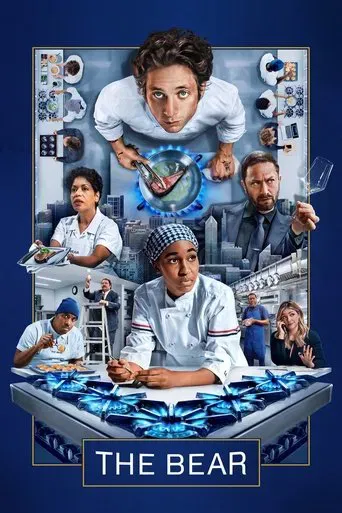
The Bear S02E01
Keep shows grouped by season with posters, episode details, and progress.

The Bear

Succession

Power

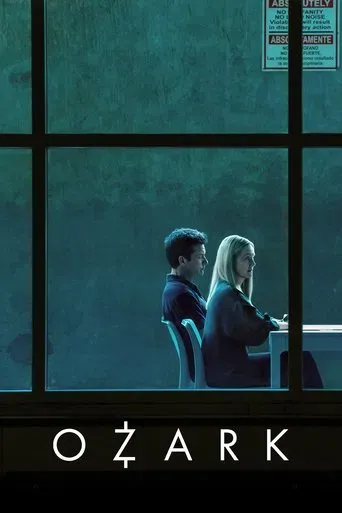
Ozark
Give every film a clean home with artwork, runtime, quality, and playback.

Dune: Part Two
Ratings, genres, cast, and artwork are matched for you.

Cast
Jeremy Strong
Sarah Snook
Kieran Culkin
Choose a season, see what is watched, and pick up where you left off.
Secession
62m
Mass in Time of War
58m
The Disruption
55m
Lion in the Meadow
60m
Stream from your private library on the devices you already use.
MacBook Pro
Succession S3E3
iPhone 15
The Bear S2E1
iPad Air
Ozark S4E8
Add a URL or upload a file. UpYourTV downloads, transcodes, and prepares it for your library.
Media Import
Add a URL or file upload
Succession.S03E03.mkv
S03 E03
The product stays the same across plans. Pick the storage that fits your library.
Included in every plan
Storage is the only plan difference.
Beta is usable today
You are signing up for the real product, not a concept page or a fake waitlist.
Core features stay the same
Storage is the main difference between plans. Library organization, preparation, and playback are included in every tier.
Upgrade when your library grows
Start smaller if you want, then move to a larger plan later when you need more room.
The practical tradeoffs UpYourTV is built around.
UpYourTV moves the upkeep out of your house and into the product.
Add a URL or upload a file, and the app prepares it for your library.
Your library is for your account. No ads, no feeds, no public discovery.
Desktop, tablet, and phone browsers work today. No app install required.
Beta users help prioritize what gets refined, from small fixes to bigger features.
Clear answers before you create an account.
UpYourTV is a cloud-hosted media library for people who want a polished streaming experience for their own collection without running a server at home. Add media, let the app prepare it, then watch from the browser.
No. UpYourTV is cloud-hosted, so you do not need to maintain your own media server just to use the product. That is the main tradeoff: less infrastructure work for you, more of the experience handled by the platform.
Add a URL or upload a file directly. UpYourTV tracks the work and fills in artwork and details as the title becomes ready to watch.
The web app works in modern desktop, tablet, and mobile browsers today. Native apps are on the roadmap, but the browser experience is meant to be useful right now.
Beta means the product is usable today while we keep polishing flows, adding features, and learning from early customers. It is a real app that keeps improving, not a static waitlist.
Yes. If your collection grows, you can move to a larger storage tier later instead of picking the biggest plan on day one.
Your library is meant to be private to your account. UpYourTV is built around personal media collections, not public sharing or ad-supported discovery.
Create your account while early access is open and start preparing your collection.